Mobile Access to Workup
If you access Workup from a mobile phone you will be presented with a simpler, mobile view of Workup, primarily allowing you to view and manage your own data such as your schedule, tasks, leave and timesheets. It is comparable to the My Sttus page in the regular Workup interface.
We don't currently have a mobile app but this is planned for the future.
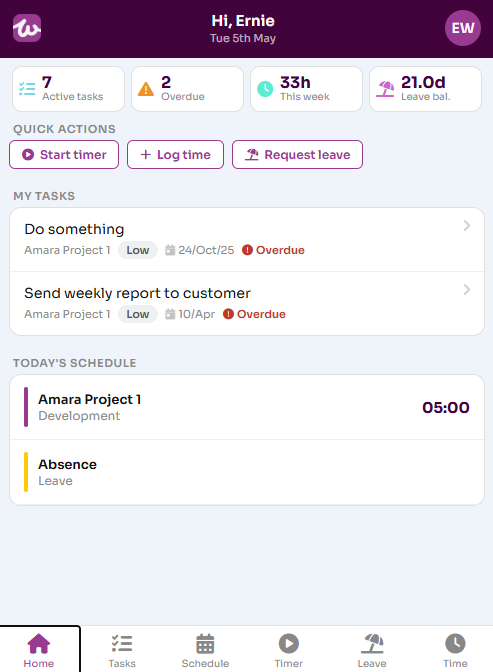
The Home tab gives you a summary of your tasks and schedule, you can then choose other tabs using the buttons at the bottom of the page. The options you have available are:
- Tasks: manage your assigned tasks
- Schedule: view and manage your project schedule
- Timer: use the task timer to record time working on a project activity or task
- Leave: track your leave and create leave requests.
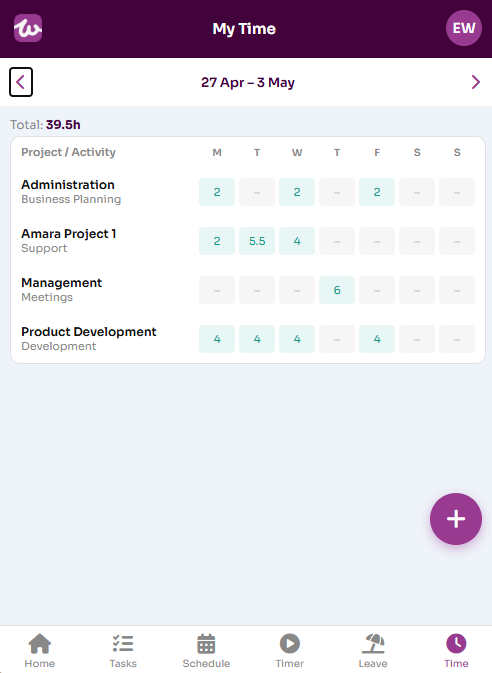
- Time: manage your actual time in a simple timesheet grid view
Tasks
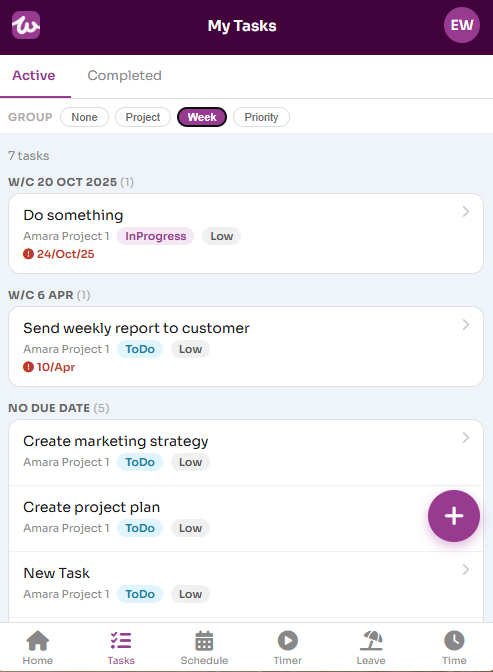
The Tasks tab lists your currently assigned tasks across all projects. You can edit these tasks and add new tasks. The tasks can be grouped by project or due date.
Schedule
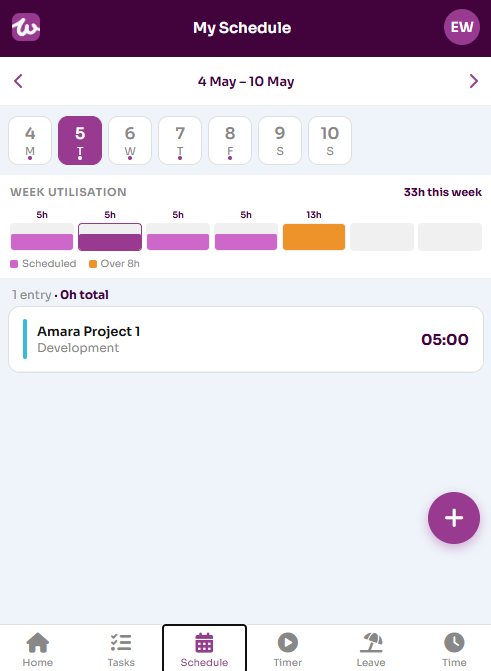
You can view and manage your schedule on the Schedule tab. The schedule tab summarises a selected week and then shows the schedule for the selected day.
Timer
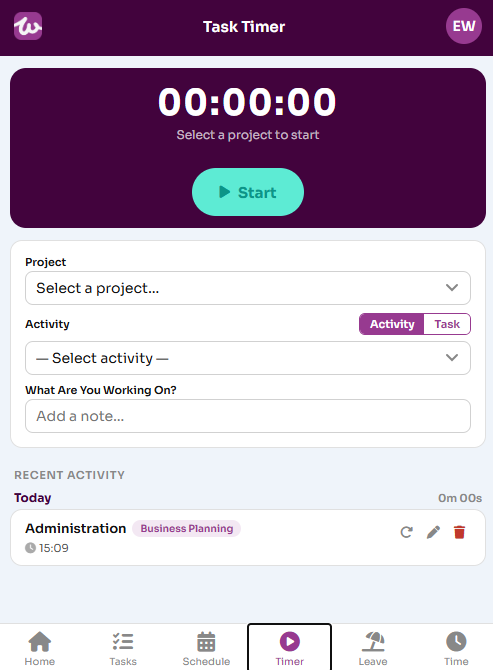
The Timer tab allows you to use the task timer to record time against project activities and tasks in real time. You need to select a project and then either an activity or a task and then press the Start button to start the timer and Stop to stop it. The recorded time updates the associated timesheet automatically.
Leave
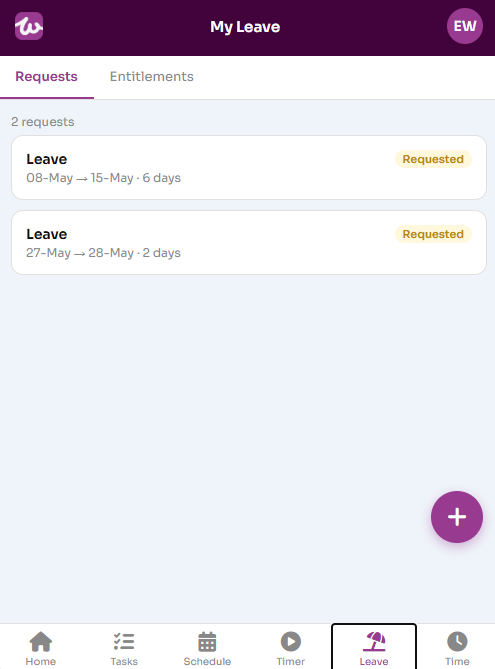
The Leave tab shows you your leave requests and entitlements for the current leave year. You can also create new leave requests here.
Time
The Time tab allows you to view and edit your weekly timesheets. Select the week you want to view and either click on rows to edit the data or add a new row by pressing the + button.