AI Assistant
The AI Knowledge Base allows you to upload your company's documents to Workup, such as HR policies, process documents or product information, which you can search use AI semantic search to answer simple or complex questions, without having to open and read the relevant documents.
Uploading Documents
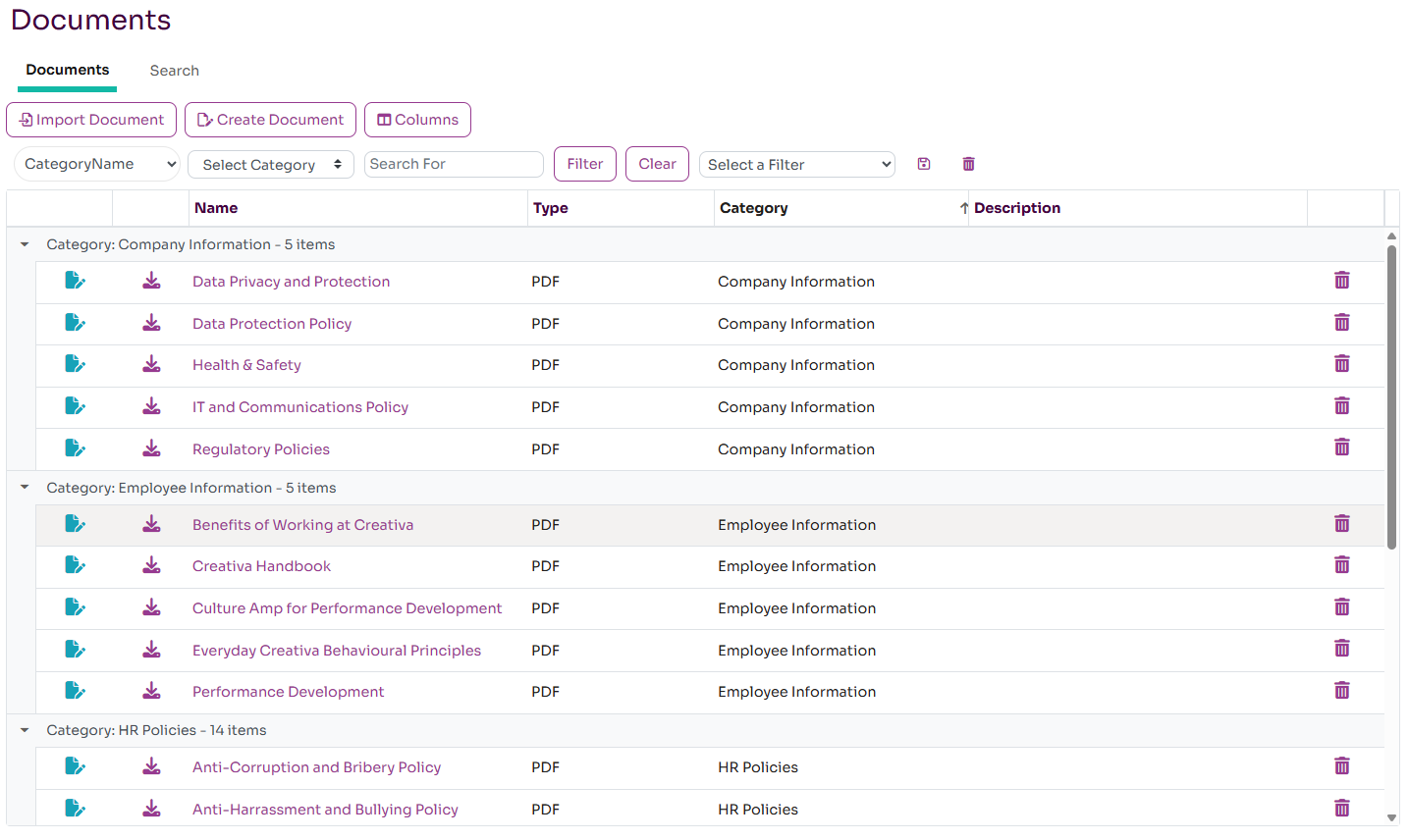
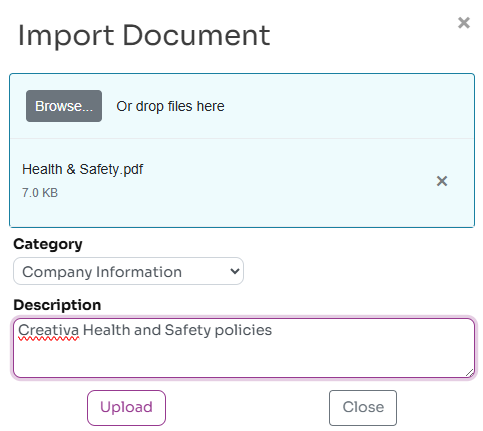
The knowledge base currently supports Word, PDF, Text and Rich Text documents, other document types will be supported in the future. Pressing the Import Documents button allows you to import up to 8 documents at a time. Each document is analysed and stored within our database and is then available for semantic search. Each document can be given a category and description to make it easier to understand the type and content of the document.
Security
All documents are visible to all your employees on Workup so only company wide documents should be added to the knowledge base. The documents are not used to support any LLM training and are only visible within your organisation. We would recommend the following types of document are best used with this feature:
- HR and other company policies
- Business process guidelines
- Product and service information
- Technical information
- Competition information
- Relevant industry reference documents.
The search capability currently only uses the text within documents, images are ignored.
Semantic Search
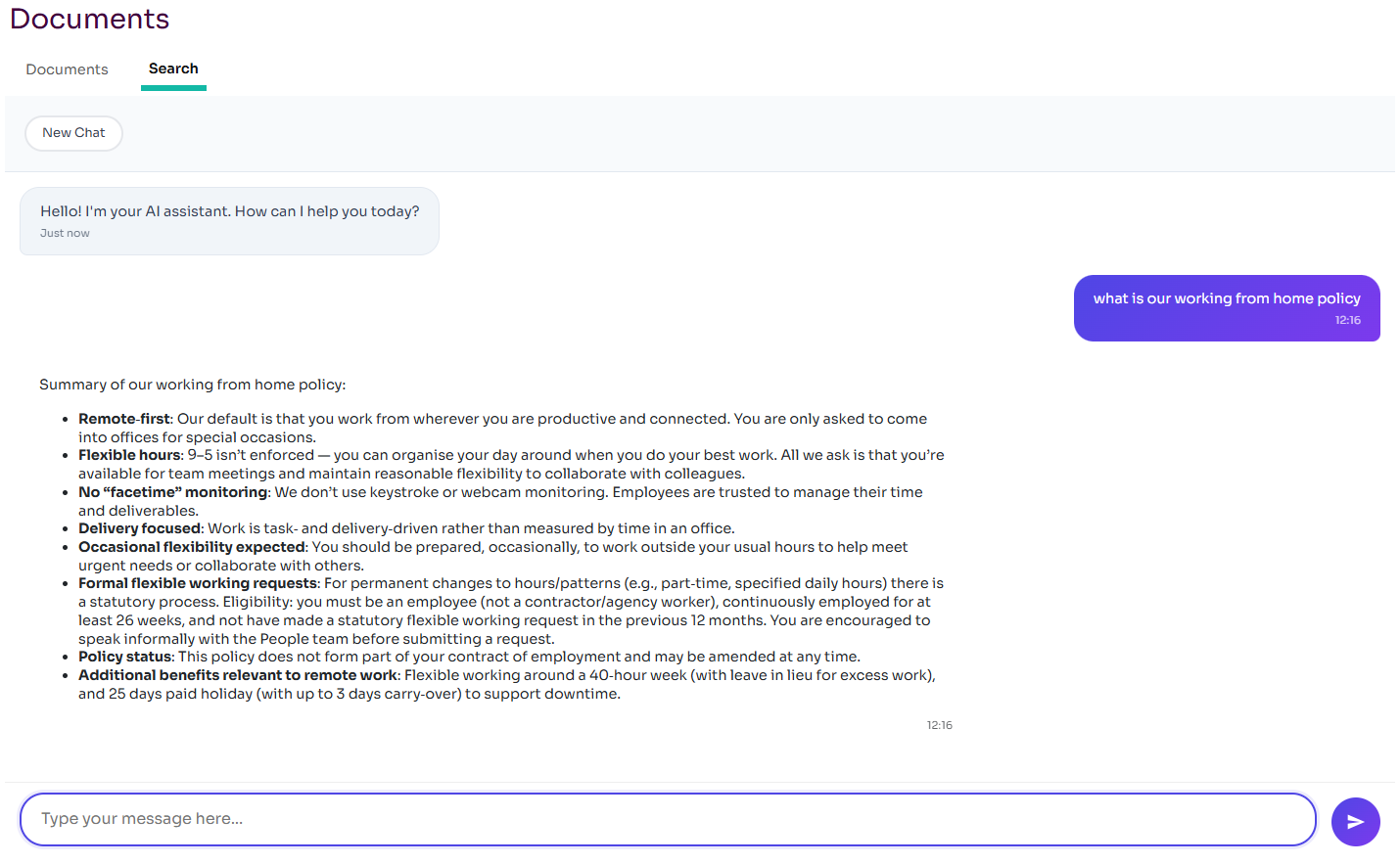
The Search tab allows you to ask a question and the LLM will answer based on the documents stored in your knowledge base. By using semantic search, it understands the meaning and intent of your question rather than just doing a keyword search. As such, it can answer quite complex questions that may require data from multiple documents. It will try and present the data in a useful way. You can also include how you want the data presented and the level of detail.
Viewing Documents
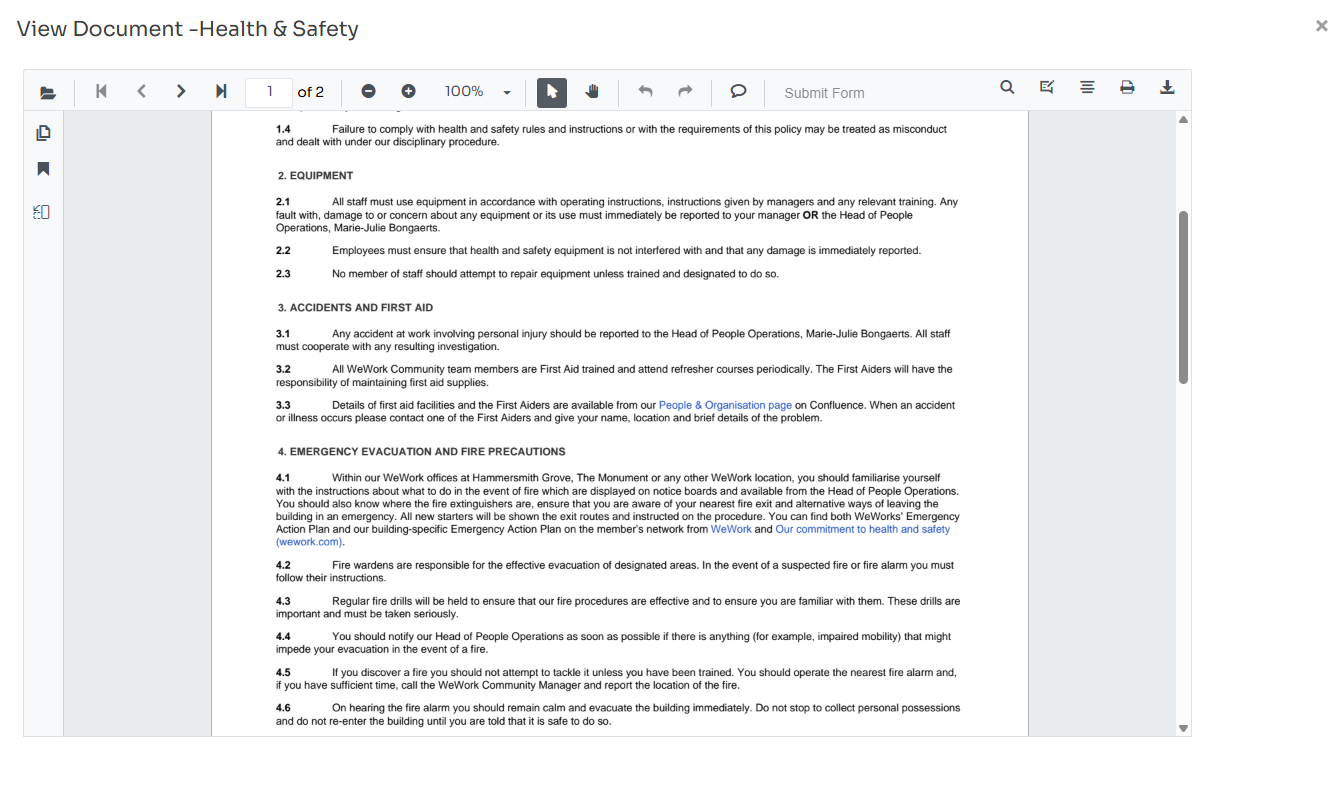
Workup provides viewers allowing you to view Word, PDF and Rich Text documents within Workup without having to download them first. Rich Text (RTF) documents can also be created and edited within Workup.
Creating Documents
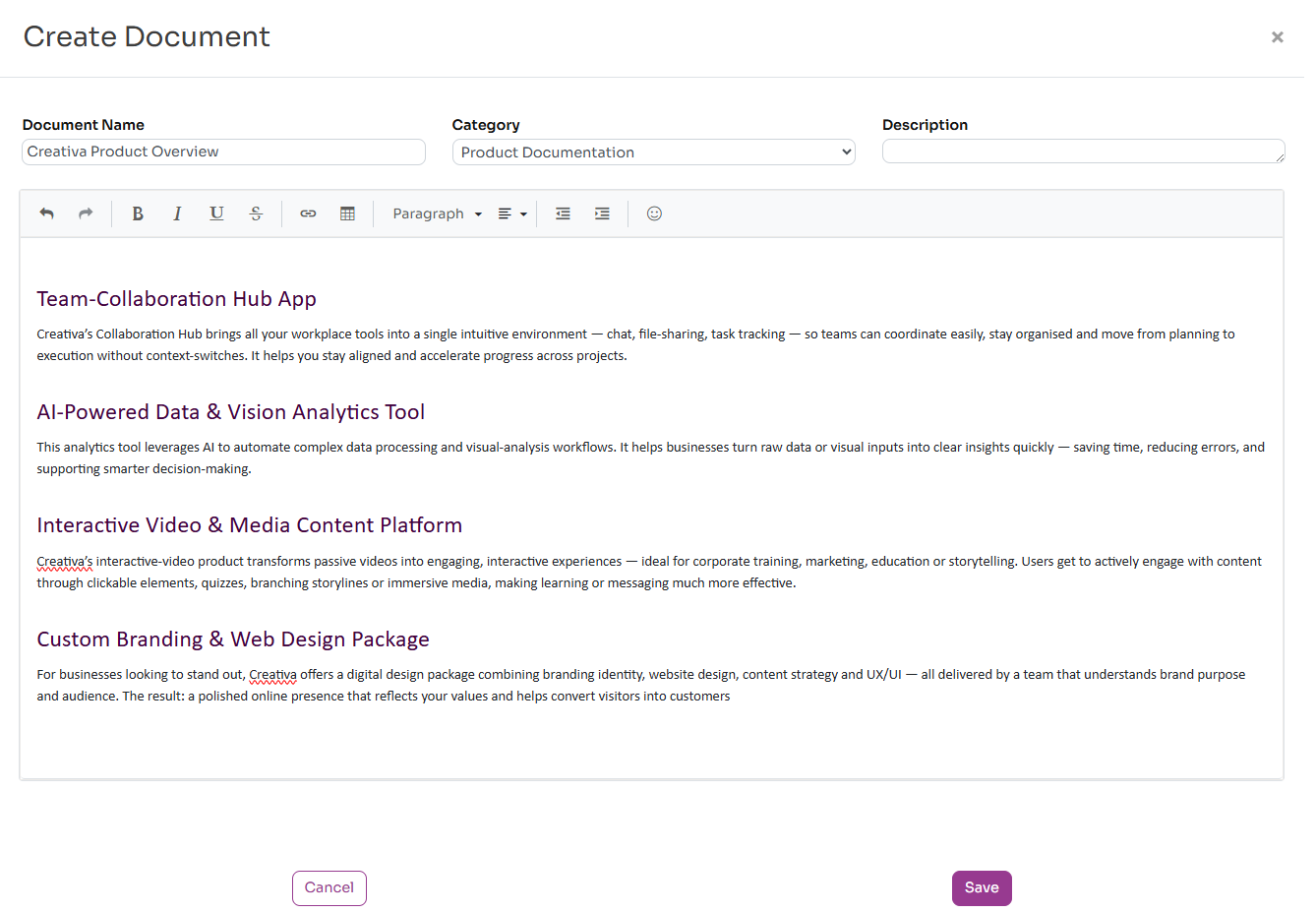
Workup allows you to create and update rich text documents. Pressing the Create Document button opens a rich text editor allowing you to create a formatted document using headings, bullet points etc. This feature doesn't currently support images and advanced formatting yet. These rich text documents can be used for providing additional useful information that the semantic search can use, where there isn't an existing company document.